Choose a subscription plan that matched your business needs.
Step By Step Guide.
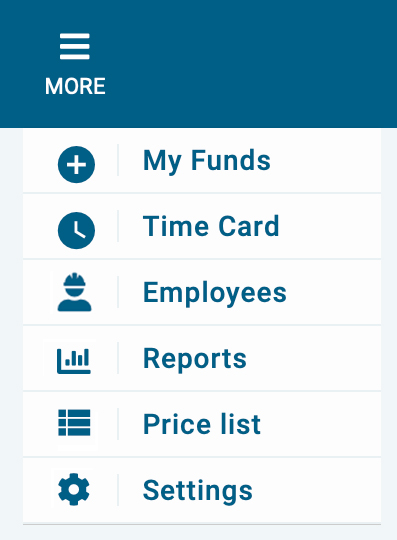
1) First, click on more which is located in the top navigation bar, then select setting from the menu.
1) next, select subscription plans.

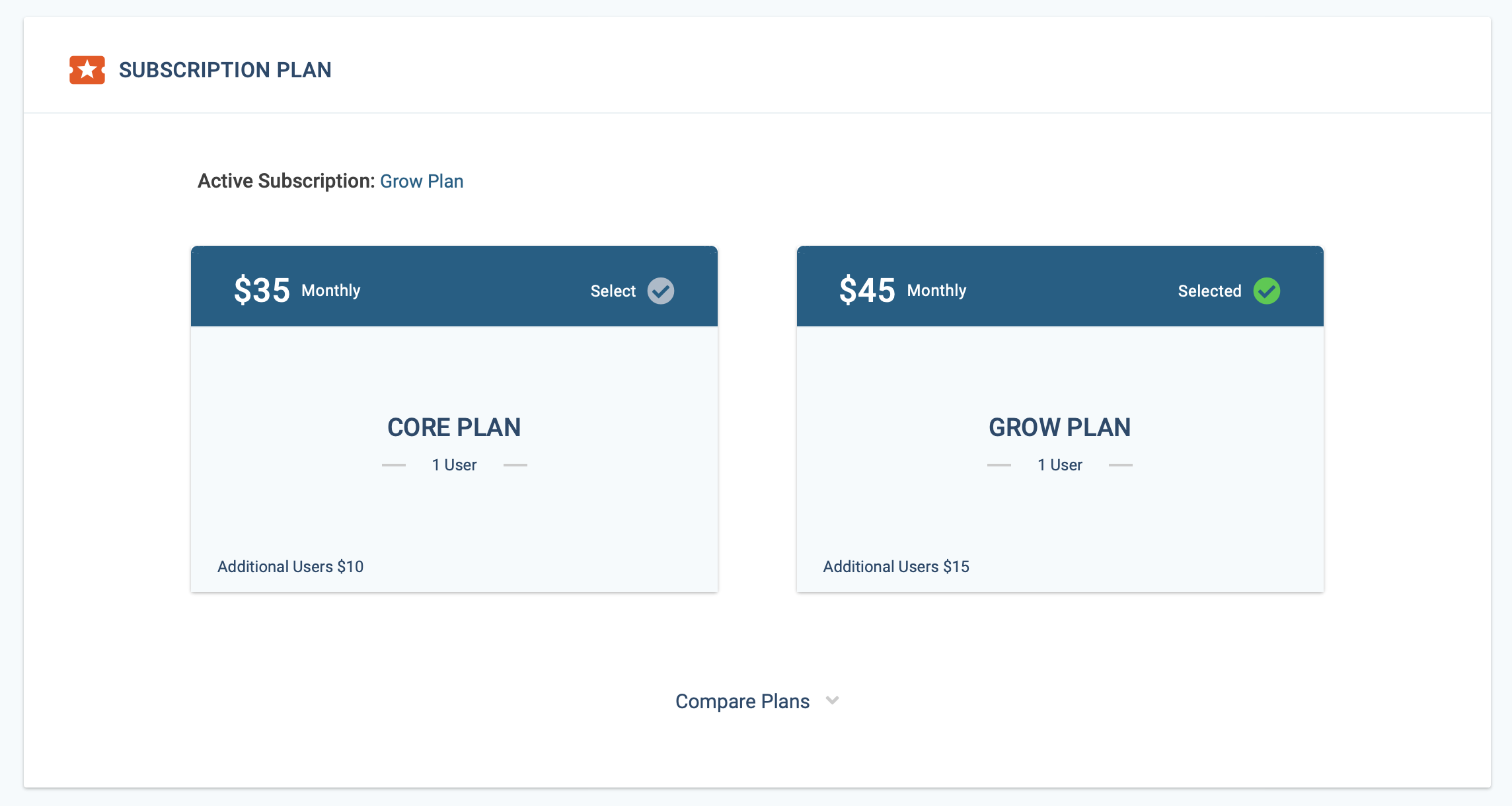
3) Now, select the desired subscription plan by clicking on the checkmark. The active subscription is identified by a green checkmark.
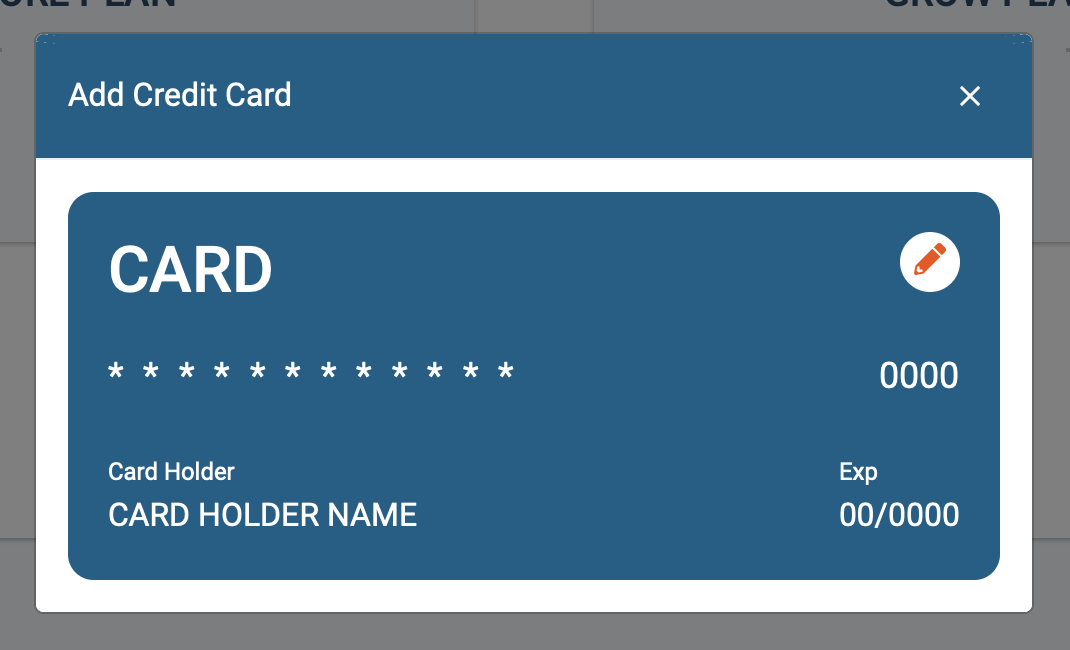
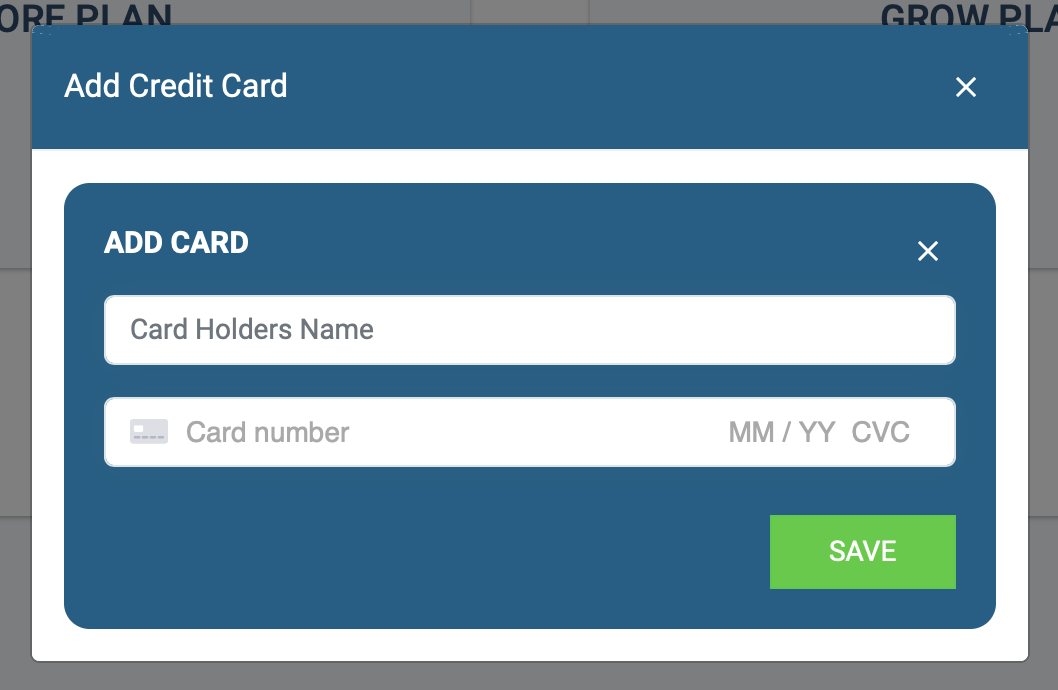
If you don't have a credit card on file you'll be prompted to add your card information. Click on the pencil icon to enter your card details, then click Save.