You can add or update your billing information quickly by following these easy steps.
Step By Step Guide
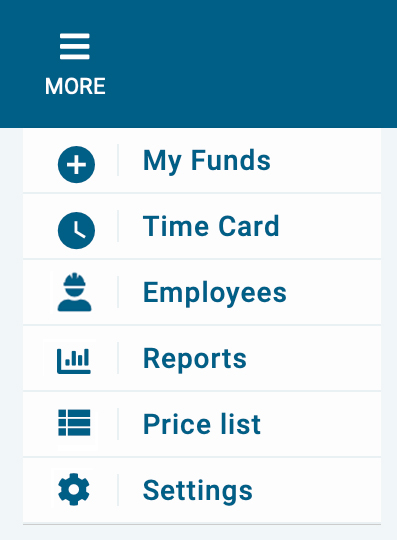
1) First, click the more icon located in the top navigation, then select settings from the menu.
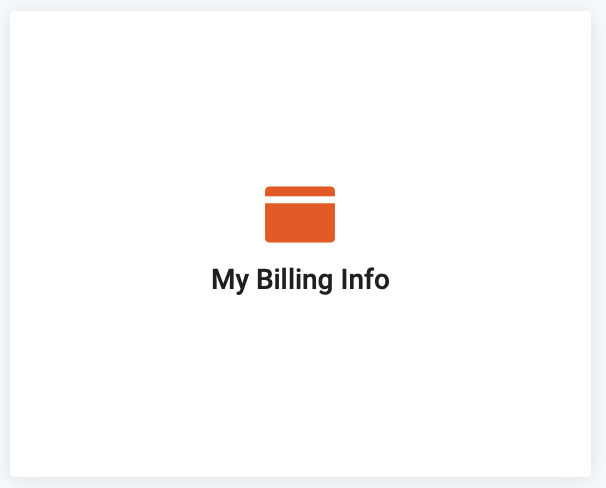
2) Next click on my billing Info.
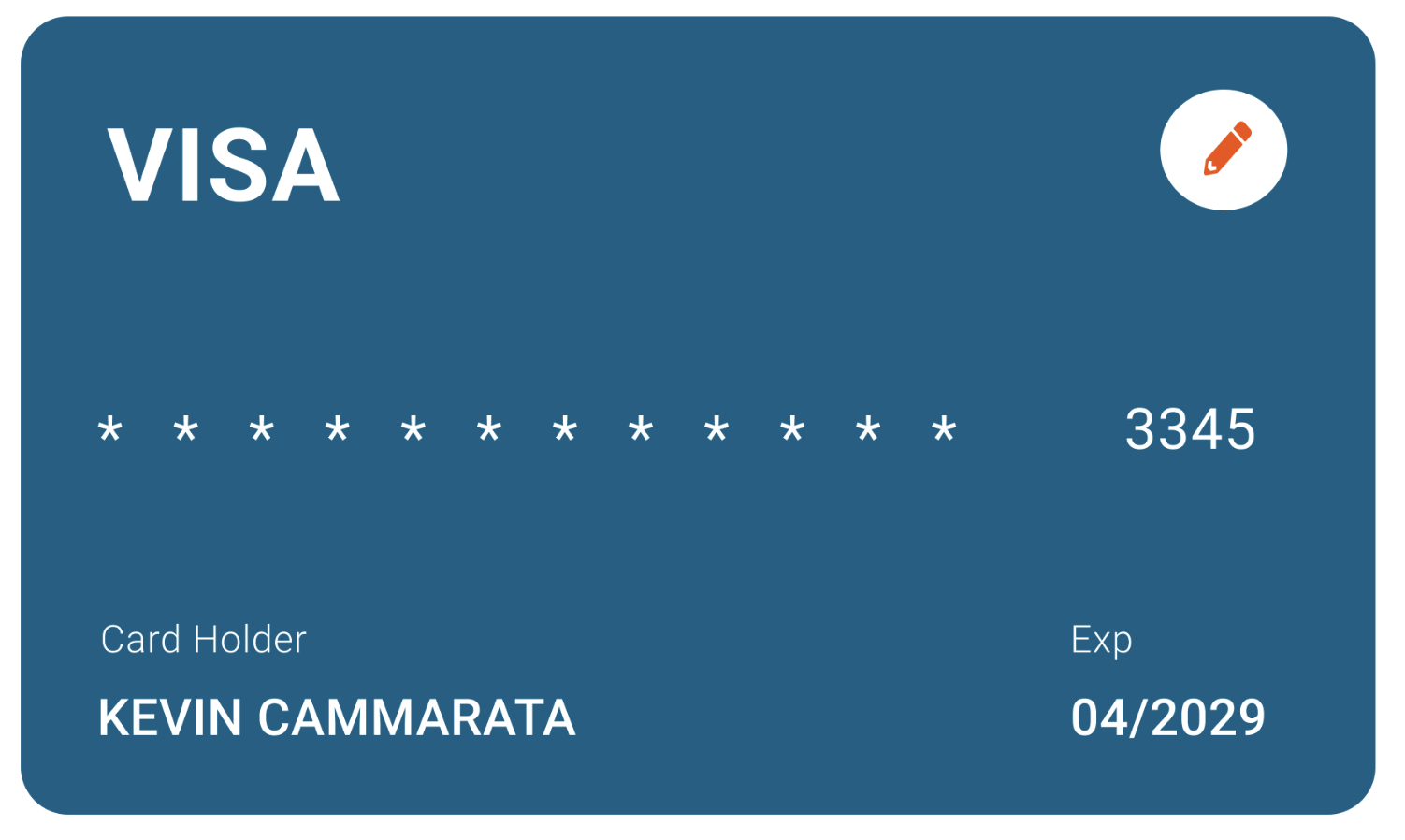
3) Now, click on the pencil icon to add or update your card information.
4) Next, add the cardholder name, card number, expiration date, and the verification code (CVC).
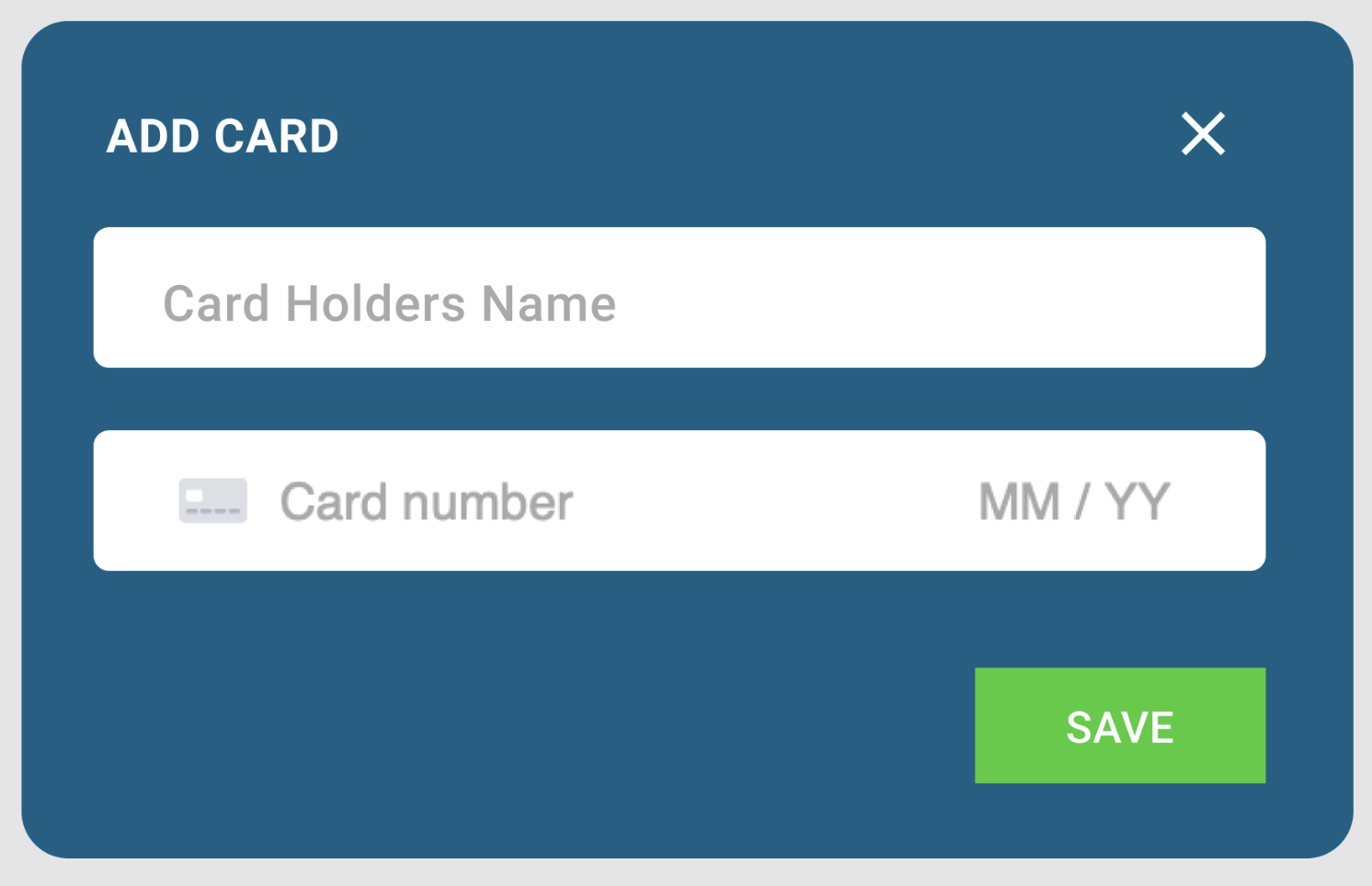
5) Make sure the information is correct before saving.