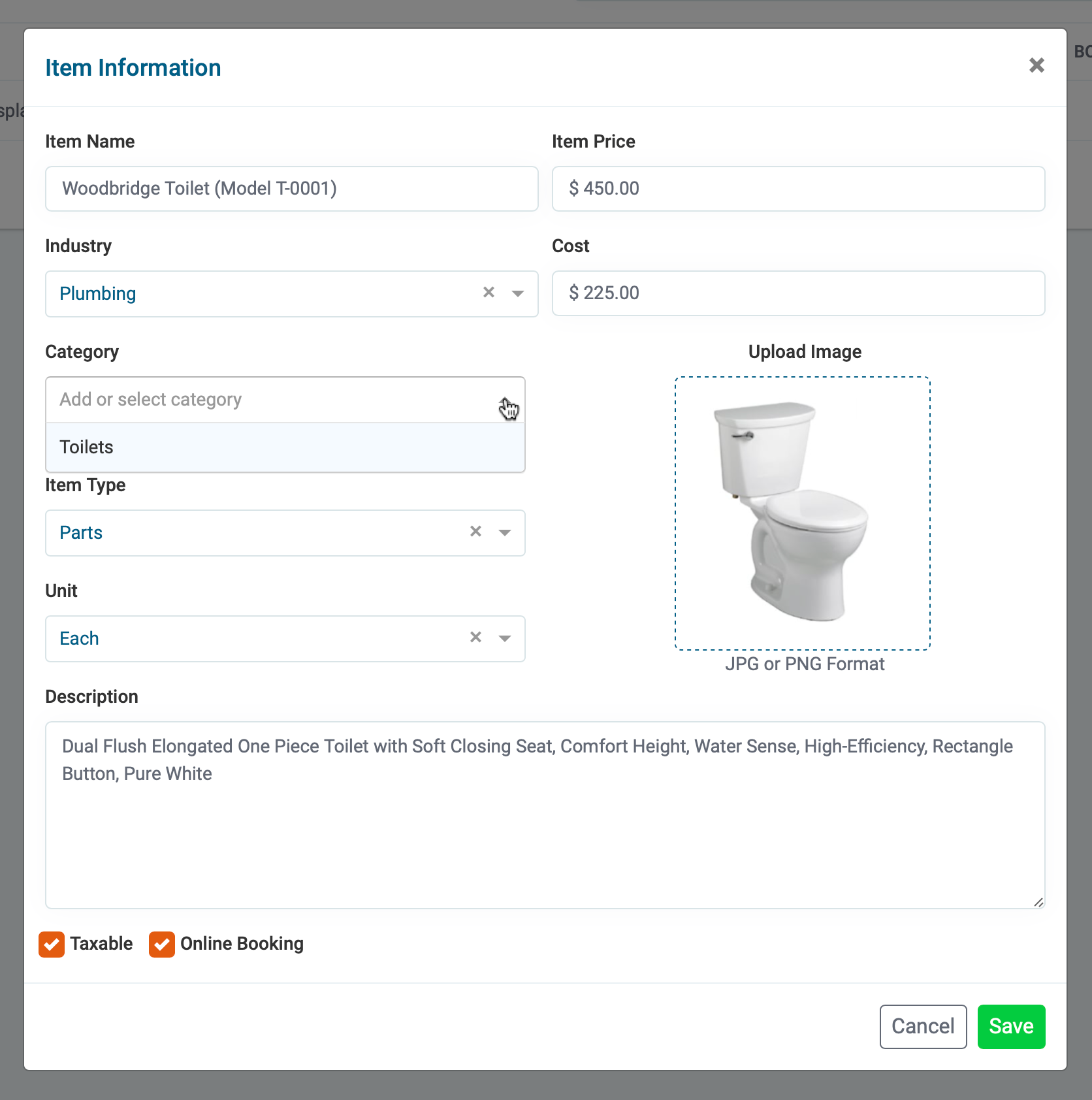
Improve your booking rate by organizing your services so the end-user can quickly locate the service they need. You can organize your online booking items by creating categories. Categories are created and managed in your price-list section.
Step By Step Guide
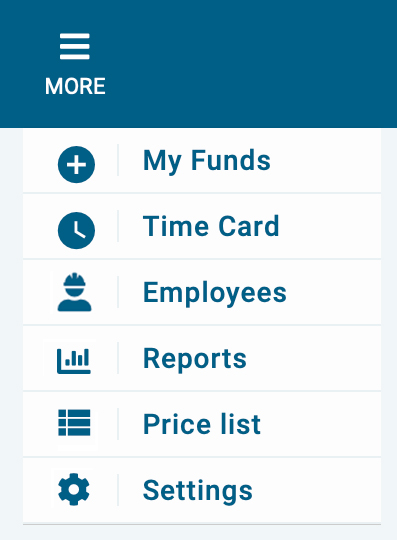
1) First, click on More located in the top navigation bar, then choose Price-List from the menu.
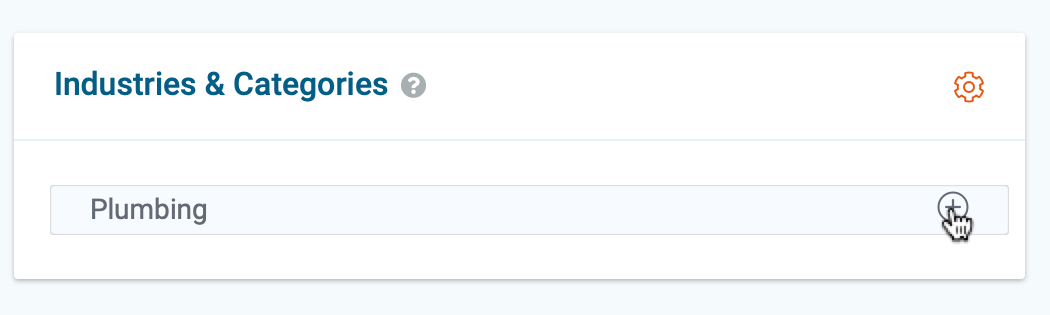
2) Next, click on the + button to the right of the industry to add a category.
3) Next, name the new category and save your Changes.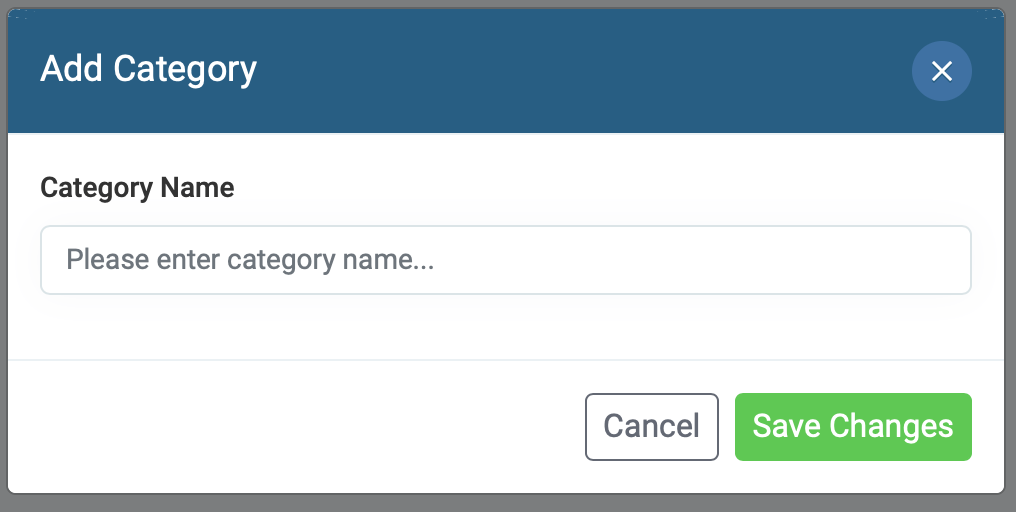
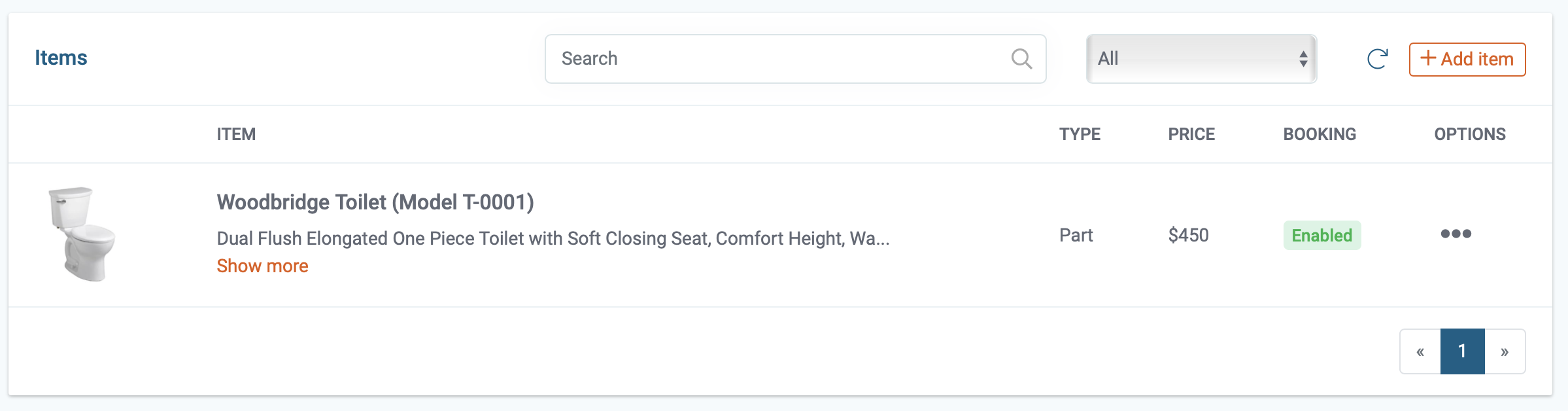
4) Now, select the item you wish to organize in the new category by clicking on the "3 dots" under options and click edit.
5) Next, select the new category from the drop-down menu and click save"