Edit invoices by following the directions below.
Step By Step Guide
1) First, let's access the invoice section. You can access the invoice section by clicking the invoice tab located in the top main navigation.

2) Next, search and locate the invoice you plan to modify, then click on the three dots to the right of that invoice under the heading of "Options". Choose the option Edit from the menu.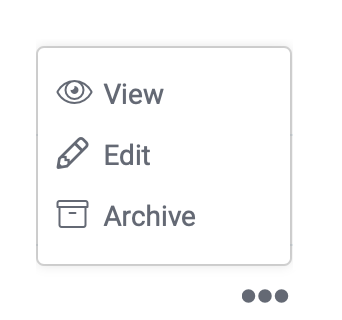
After you make your changes click on the Save button located at the bottom of the page.