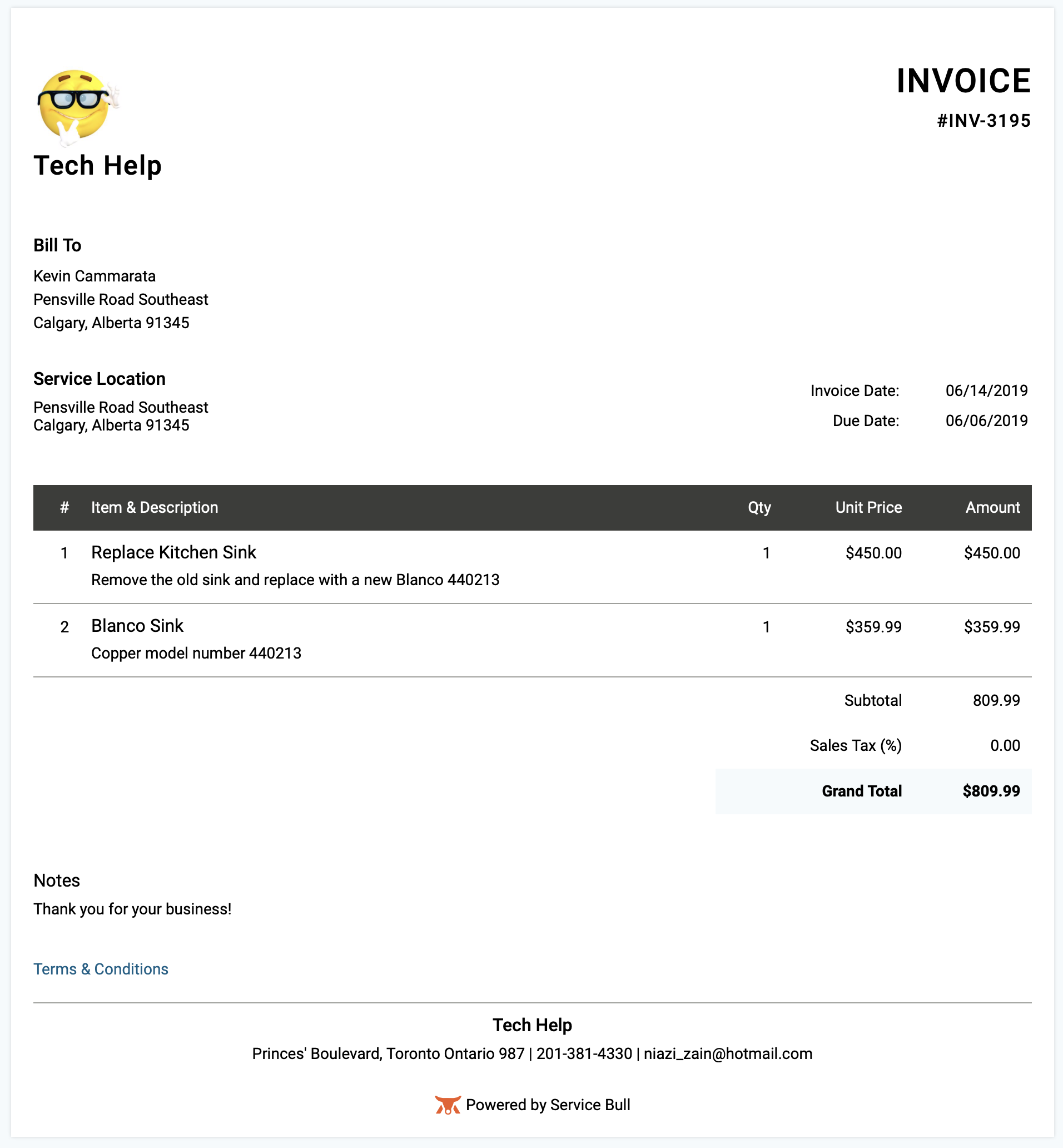
1) To locate and view an invoice, click on the invoices icon located in the top navigation bar.

2) Now that you're in the invoices section, search and locate the invoice to wish to view and click on the three dots to the right of their name, then choose Edit from the drop-down menu.
3) To view the Invoice click on the PDF Tab. (This is the format your customers will see)