Step By Step Guide
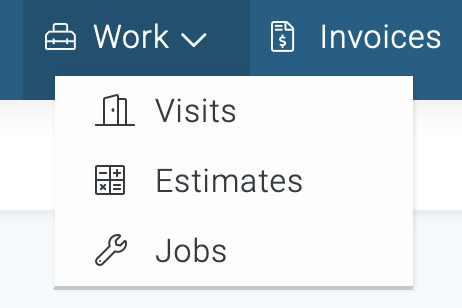
1) To unschedule a visit, navigate to the visit section, its located in the top navigation bar. Click on the work link and choose visits from the menu.
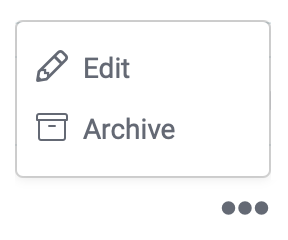
2) Now you're on the visits page. Search and locate the visit you wish to modify, then click on the three dots located to the far right side, and choose the option Edit from the menu.
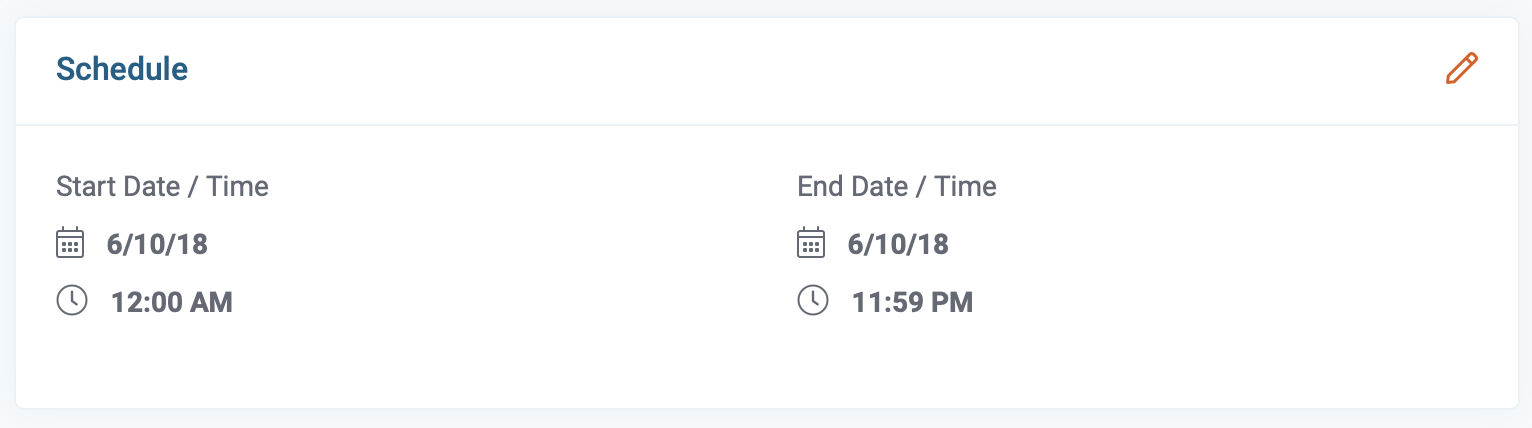
3) Now you're on the visit page. Click on the pencil icon in the top right corner of the schedule section.
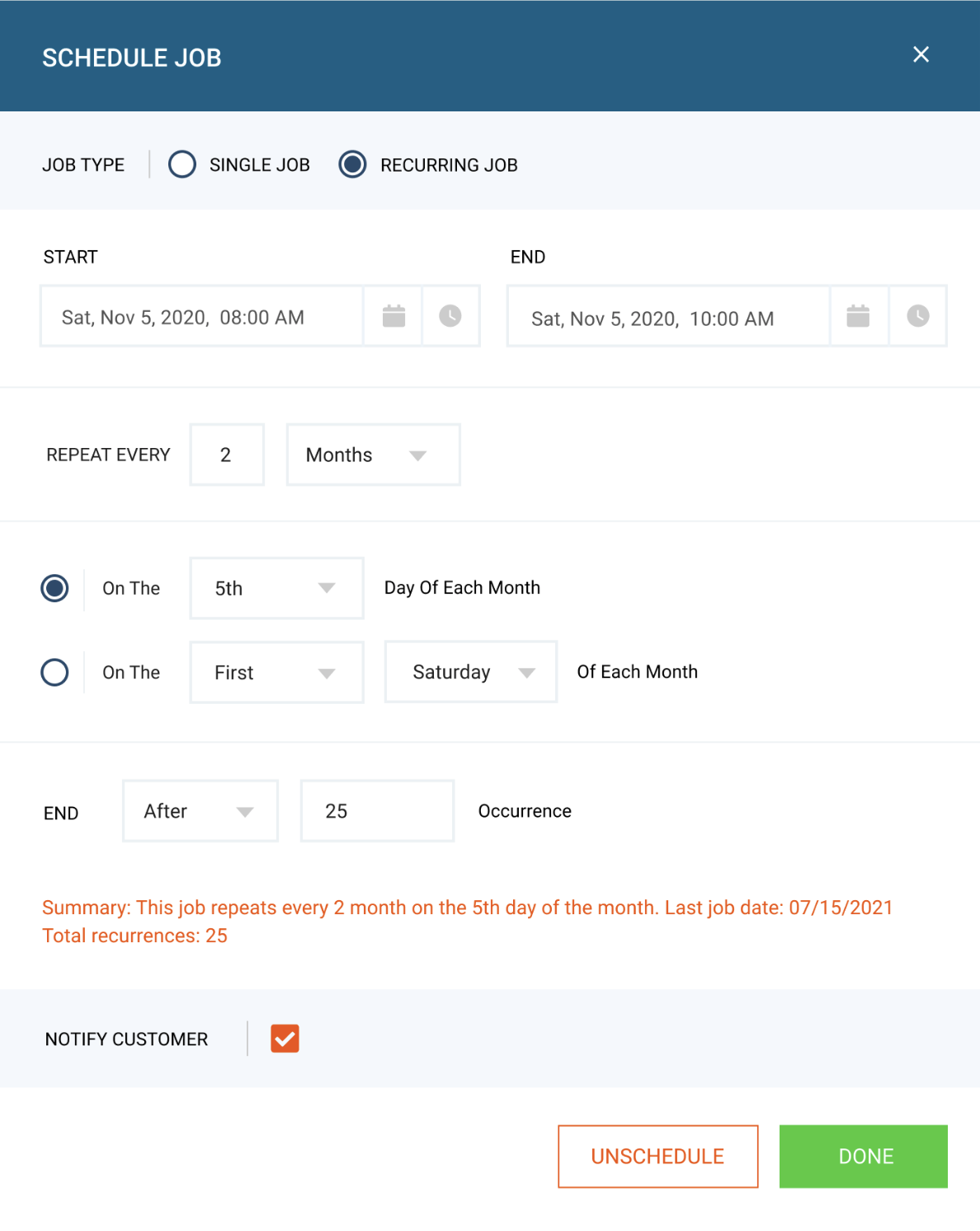
4) A new window will appear. Next, click the unschedule button, then click done.
5) Final Step. Save the changes by clicking on the Save button in the bottom right corner of this page.