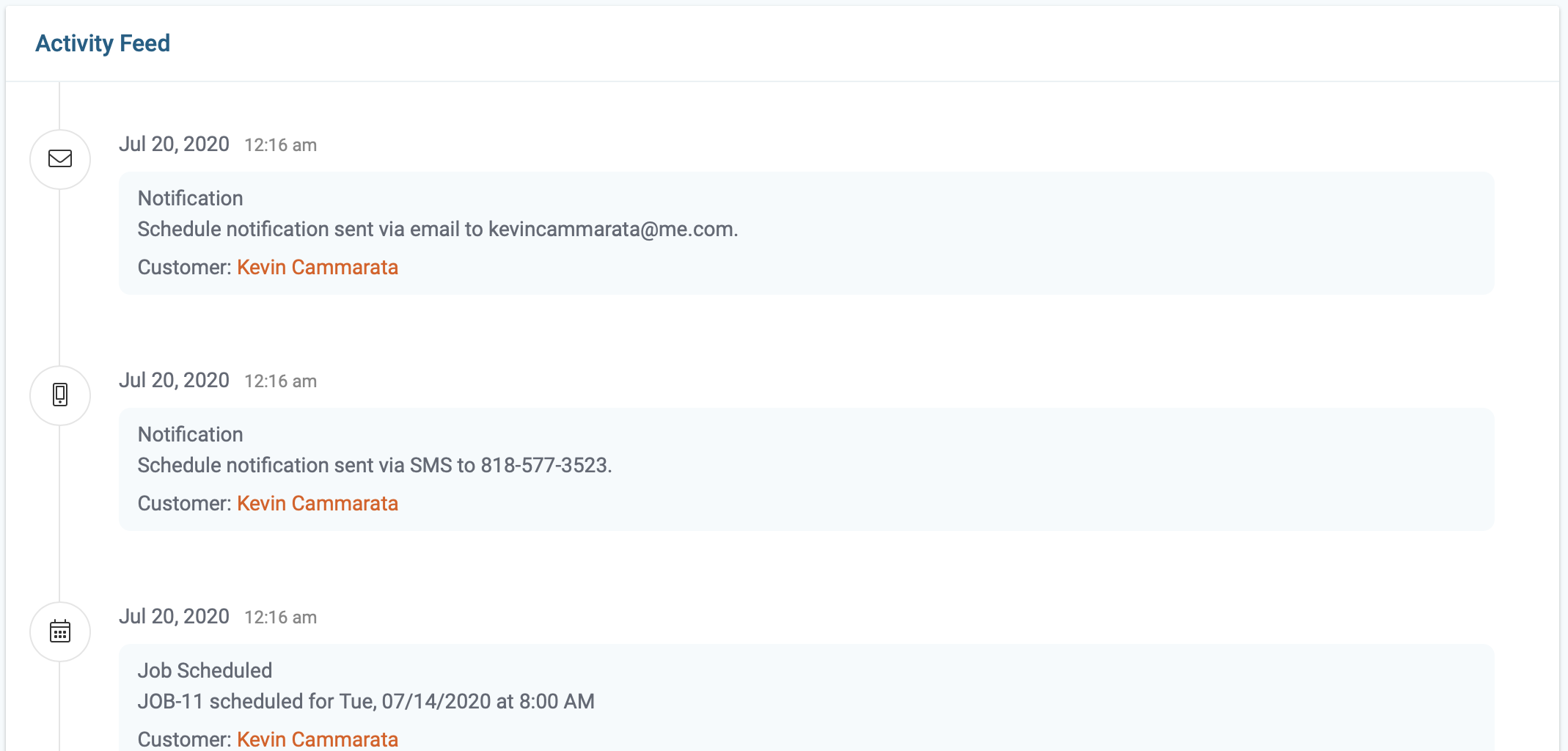
The activity feed records all actions taken during the visit cycle. All actions are time-stamped and include the employee responsible for the action.
Step By Step Guide
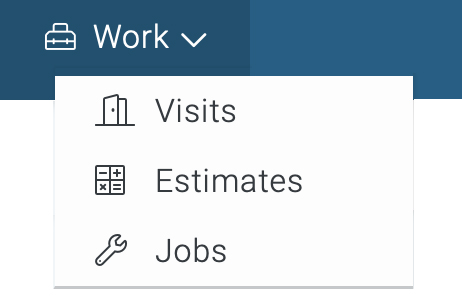
1) To view, the activity of a particular visit, start by navigating to the My Work link located in the top navigation and choose visits from the menu.
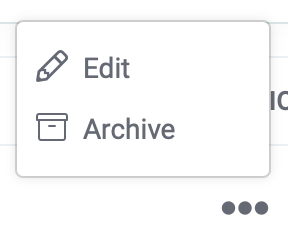
2) Now you're in the visits section. Search and locate the visit, then click on the symbol which is located to the far right. Next, choose the “Edit” option from the menu.
3) Now, click on the activity tab on the upper left side of the page.

4) The activity feed provided useful information regarding the visit. The information includes explanation, date, time, and the person associated with the action.