You can locate and access your customer payment history by following the instructions below.
Step By Step Guide
1) First, click on the Customers icon located in the top navigation bar.

2) Next, search and locate the customer, then click on the three dots on the far right of the customer’s name. Choose View from the menu.
3) Click on the Payments tab located in the upper left corner.

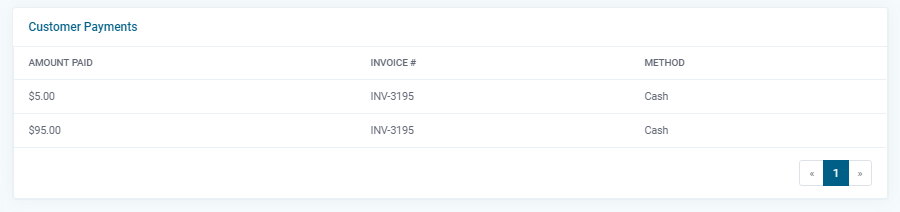
4) The right side of the page will display the customer payment history. This includes the amount, invoice number, and payment method.