Each customer has their own profile page that contains records similar to a filing cabinet: All visits, estimates, jobs, invoices, payments, property locations, notes, and attachments are neatly organized.
1) You can access a customers profile by click on the customer icon located in the top navigation bar

2) Next, search and locate the customer.
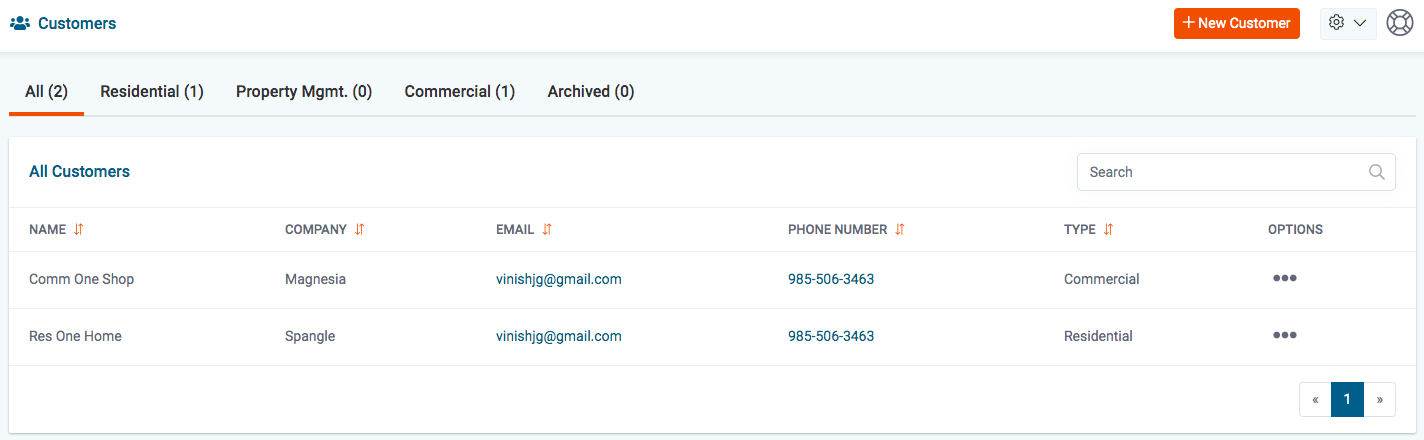
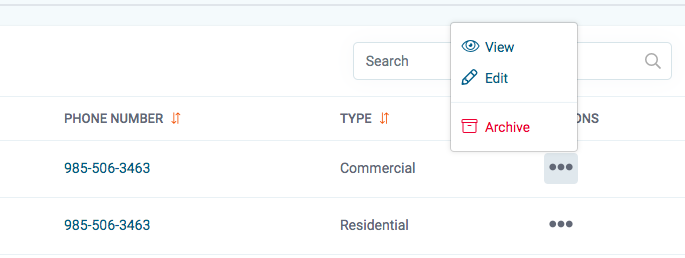
3) Next, click on the 3 dots located on the right side of the page and click view.
4) In the upper left corner, you will see a set of tabs: Visits, estimates, jobs, invoices, payments, and locations. Each tab contains the relevant information.

Customer Stats
The customer stats show a summary. The job average, the lifetime value, past due balance and the number of jobs completed.
Customer Info
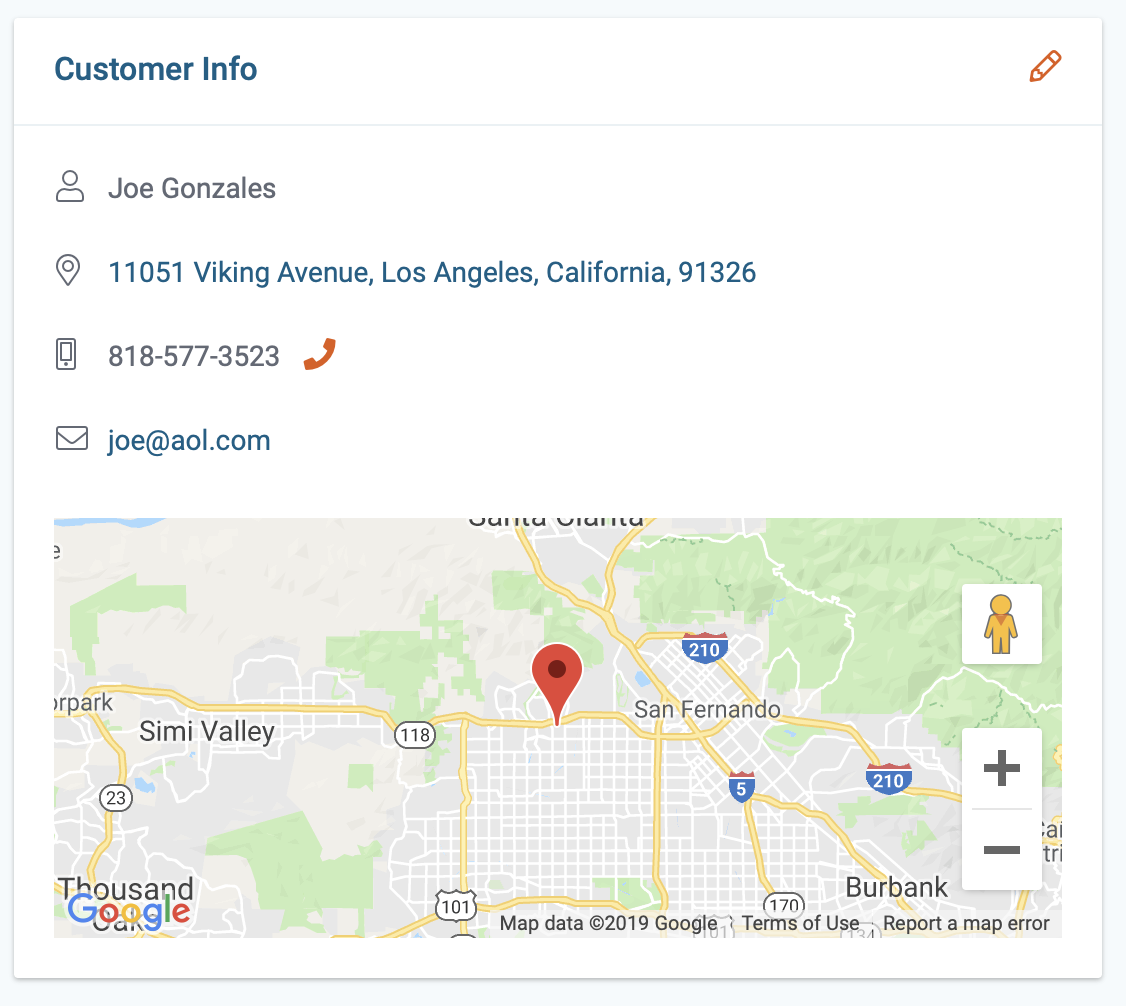
The left container displays the customer's contact info and location: If you click on the Pencil icon you'll see the csutomers full profile.