
You can convert an estimate into a job with just one click. Let me explain what happens when you convert an estimate. The system will create a new job document, assign it a job number, and copy all the customer information over so you don't have to. The two documents are now linked.
Step By Step Guide
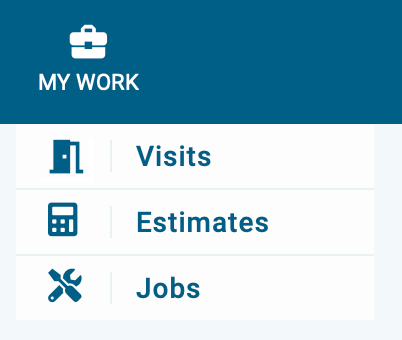
1) First, locate the estimate by clicking My Work located in the top navigation bar, then select estimate from the menu.
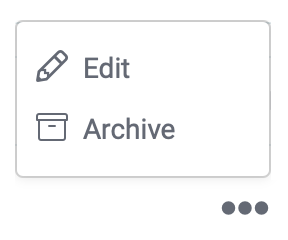
2) Now you're in the estimate section, locate the estimate and click the three dots located to the far right, then choose Edit from the menu.
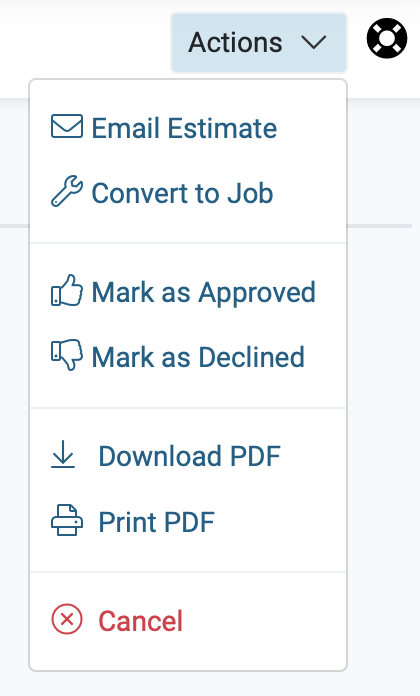
3) Next, in the upper right corner of the page click the action button and choose convert to job.
4) The job was created.
Now, if you look in the upper left corner, you'll notice the job number, a gear icon, plus an unscheduled status, and a lightbulb icon.
A) If you click on the gear icon, you can manually change the job number.
B) The unscheduled status will change once an action is taken. Scheduling the job is an action.
C) If you click the lightbulb, it shows the converted details.
