
Step By Step Guide
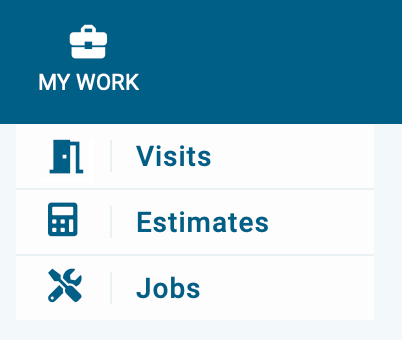
1) First, navigate to the estimate section, it's located in the top navigation bar, then Click on my work and select estimates from the menu.
2) Next, click on the archived tab in the upper left side of the page
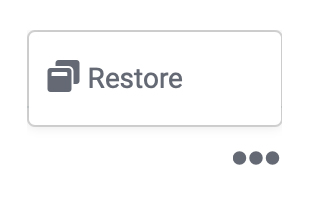
3) Select the estimate you plan to restore by clicking the three dots located on the right side, then click restore.

3) Now the estimate is restored. Use the status tab or the search feature to locate the estimate.