
The estimate sent to customers is in a PDF format. If the customer opens the estimate on a mobile device it will look slightly different than the desktop version to compensate for the small screen size.
Step By Step Guide
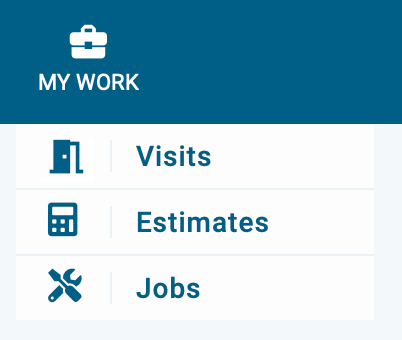
1) To view an estimate PDF, start by navigating to the estimate section. First, click on my work located in the top navigation bar, then choose estimates from the menu.
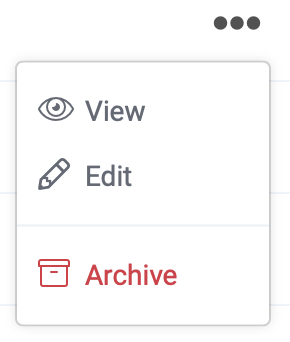
2) Now you're in the estimate section. Next, search and locate the estimate, then click on the 3 dots which is located on the far right side, next choose the view from the menu.
3) If you notice in the upper left corner the PDF tab is selected.

4) In the upper right corner is the action button, from there you can download, print, and email the PDF.