
Approved and declined are considered a status. The status displays the last action taken. Status serves as a tool to keep you informed throughout the job cycle.
When you send an estimate via email the customer has the ability to approve or decline the estimate. If the estimate was declined, the reason why will show up in the activity feed. If you speak with the customer over the phone you can manually update the status by following the instruction below.
Step By Step Guide
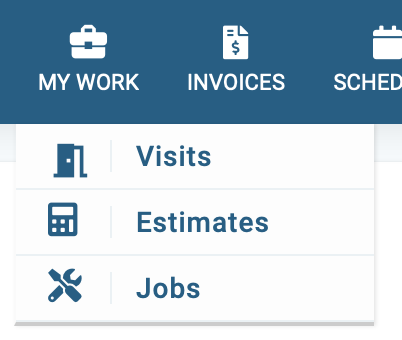
1) First, locate the estimate by clicking my work located in the top navigation, then select estimate from the menu.
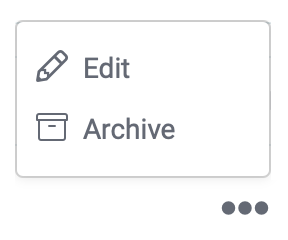
2) Now you're in the estimate section, locate the estimate you wish to update by clicking on the three dots located to the far right then choose Edit from the menu.
3) Next, in the upper right corner click on actions, from there, you can mark the estimate approved or declined.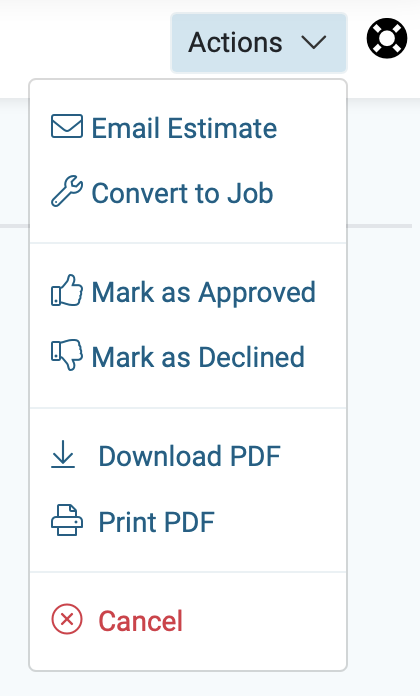
4) Next, a new window will open, confirm your choice and the estimate status which is located on the upper left corner will display the new status.