
Step By Step Guide
1) First, locate the job you wish to restore. To do so, click on the work icon located in the top navigation bar, then choose jobs from the drop-down menu.

2) Next, click on the archived tab located in the upper left corner of the page. 
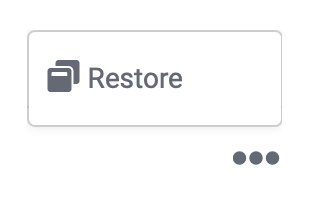
3) Now, locate the job that you intend to restore and click the three dots located on the far right side under the heading of “Options”. Next, choose the “restore” option from the pop-up menu.
Congrats! This Job has been successfully restored.