
Step By Step Guide
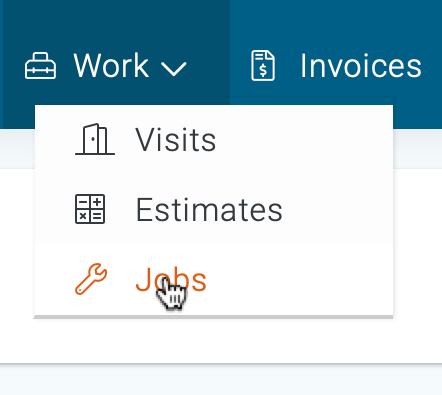
1) First, navigate to the jobs section which is located in the top navigation bar, then choose jobs from the drop-down menu.
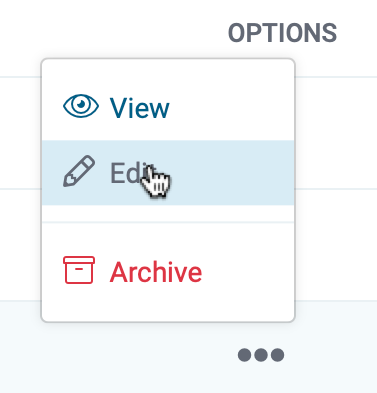
2) Next, search and locate the job you intend to cancel, and click on the three dots to the right of their name, then choose Edit from the drop-down menu.
3) Now, open the “Actions” menu located in the upper right corner of this page and click Cancel.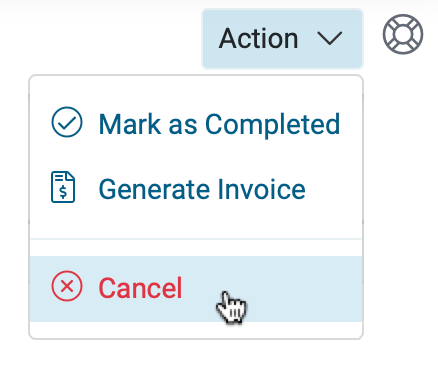
4) A pop-up box will appear requesting confirmation. Click confirm to continue.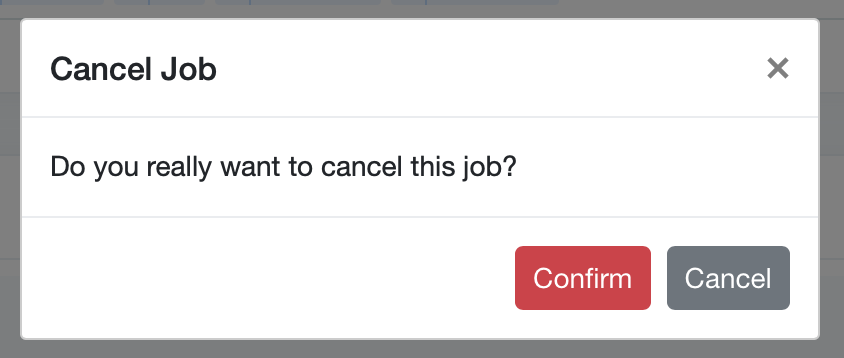
5) This job is now canceled and viewable under the canceled tab in the job section.
