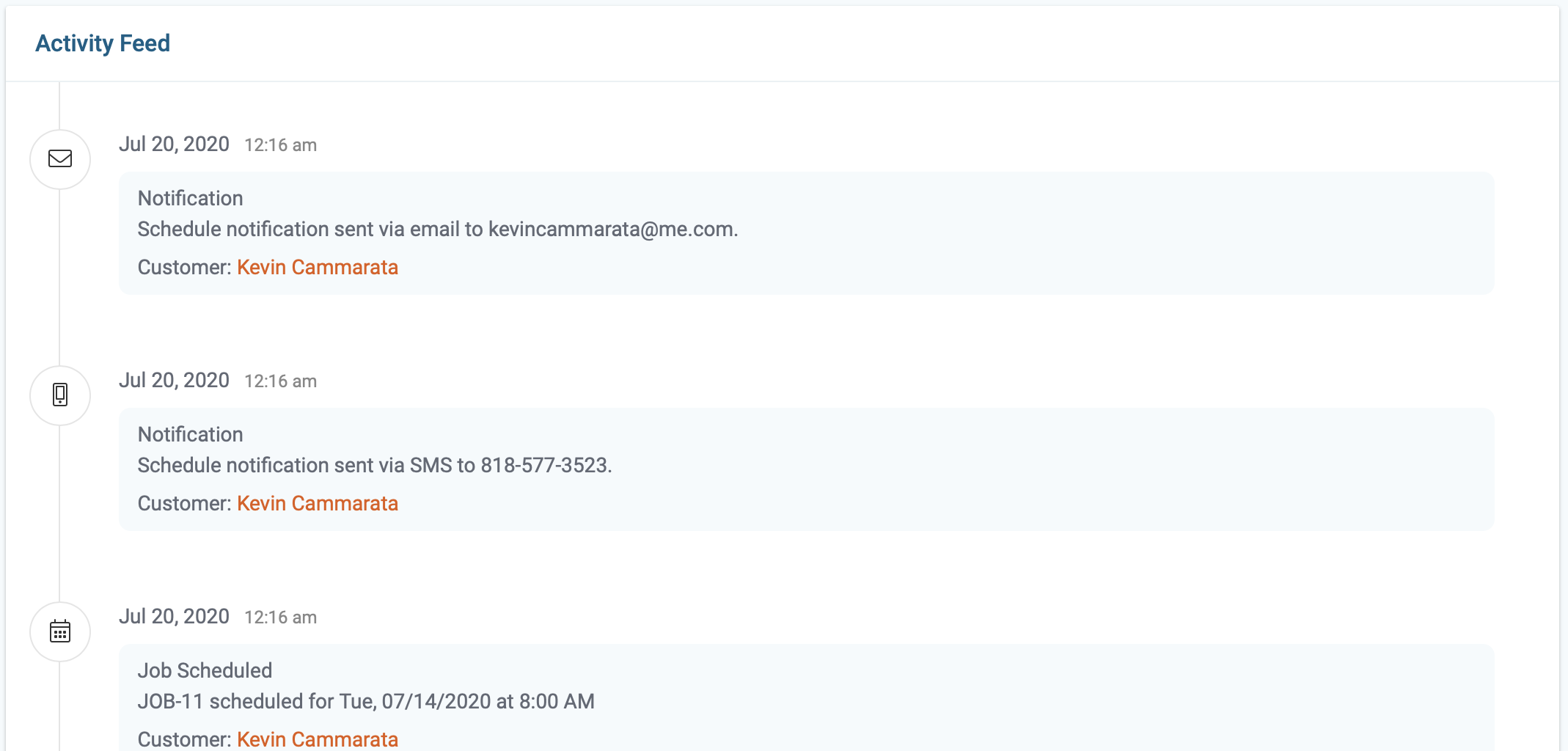
The activity feed logs every step taken during the job cycle, starting with the job creation date through the final payment.
Step By Step Guide
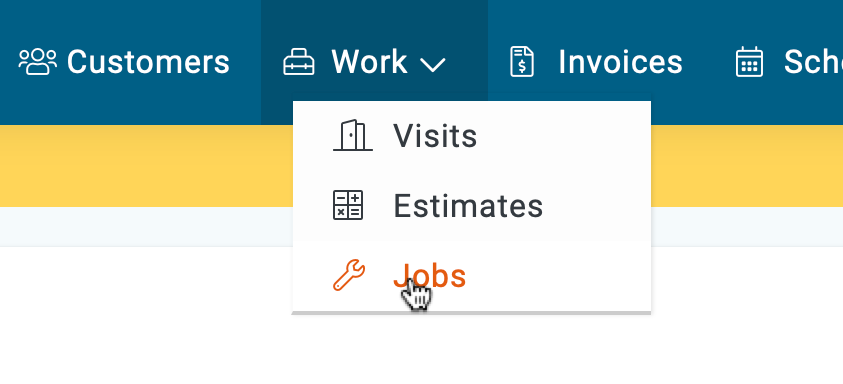
1) First, click on the work icon then chose jobs from the menu.
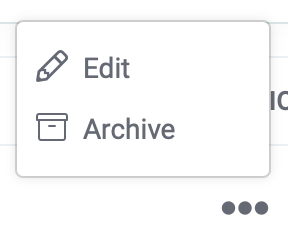
2) Next, search and locate the job of interest, then click on the three dots located to the far right side and choose the Edit option from the menu.
3) Click on the Activity tab on the top left side of the page.

4) On this page, you can view all the steps taken since it's creation.