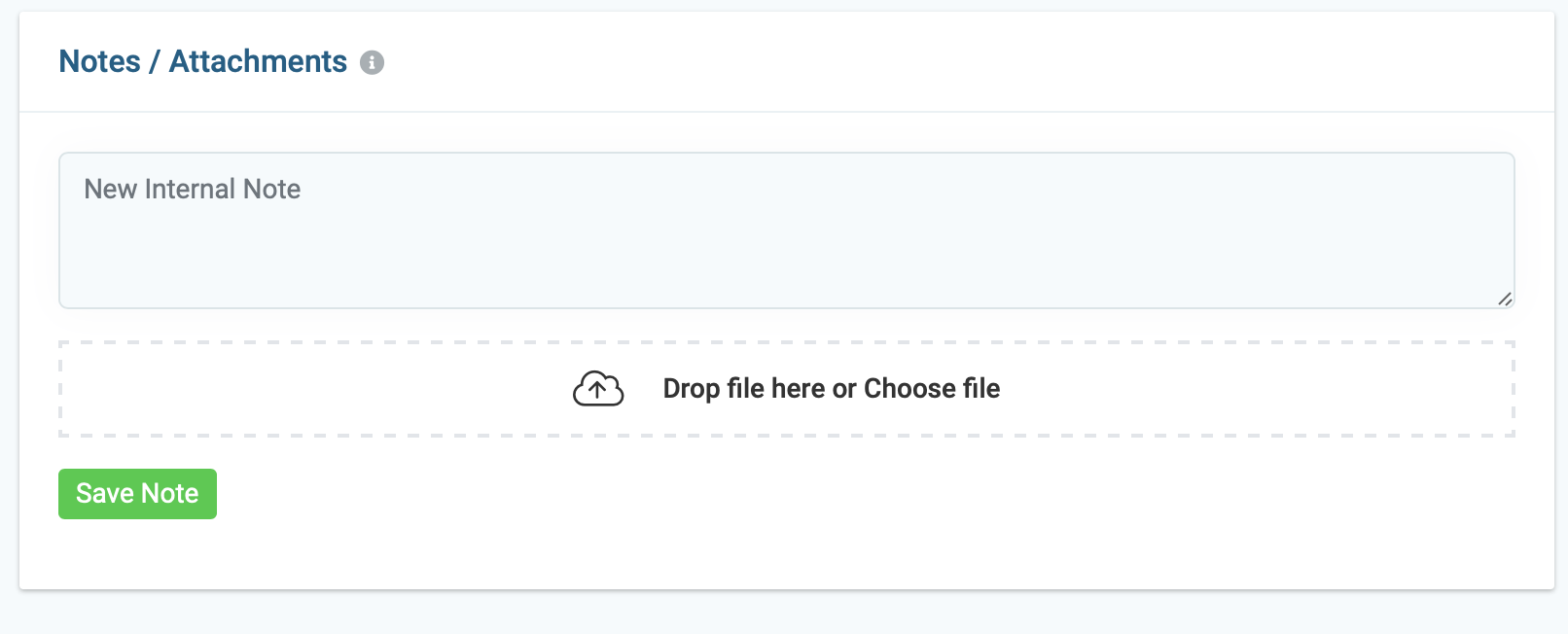
Keep your team well-informed throughout the job cycle with notes. For example, you can add gate and alarm codes, special parking instruction, is their animal on location, etc. Notes are private and only viewable by team members.
Step By Step Guide
1) First, search and locate the job in which you like to add notes to. You can access the Job section by clicking the "work " button located in the top main navigation and selecting "jobs" from the drop-down menu.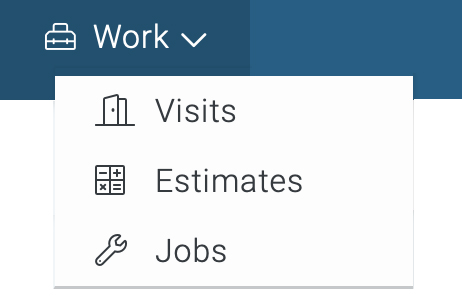
2) Next, search and locate the Job and click on the 3 dots to the far right of the page and choose Edit from the menu.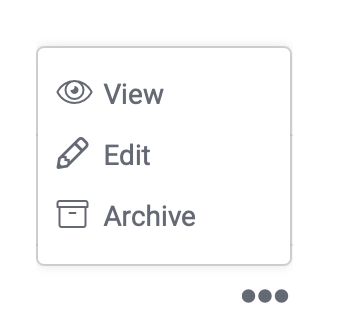
3) Now click on the Notes tab located in the upper left corner of the job page.
4) Next, add a message and upload file and attachment if necessary and click save note. You can edit the note by clicking the pencil icon, and the circle icon will delete the note.